The New Assignments & Results Experience in Speakable (Beta)
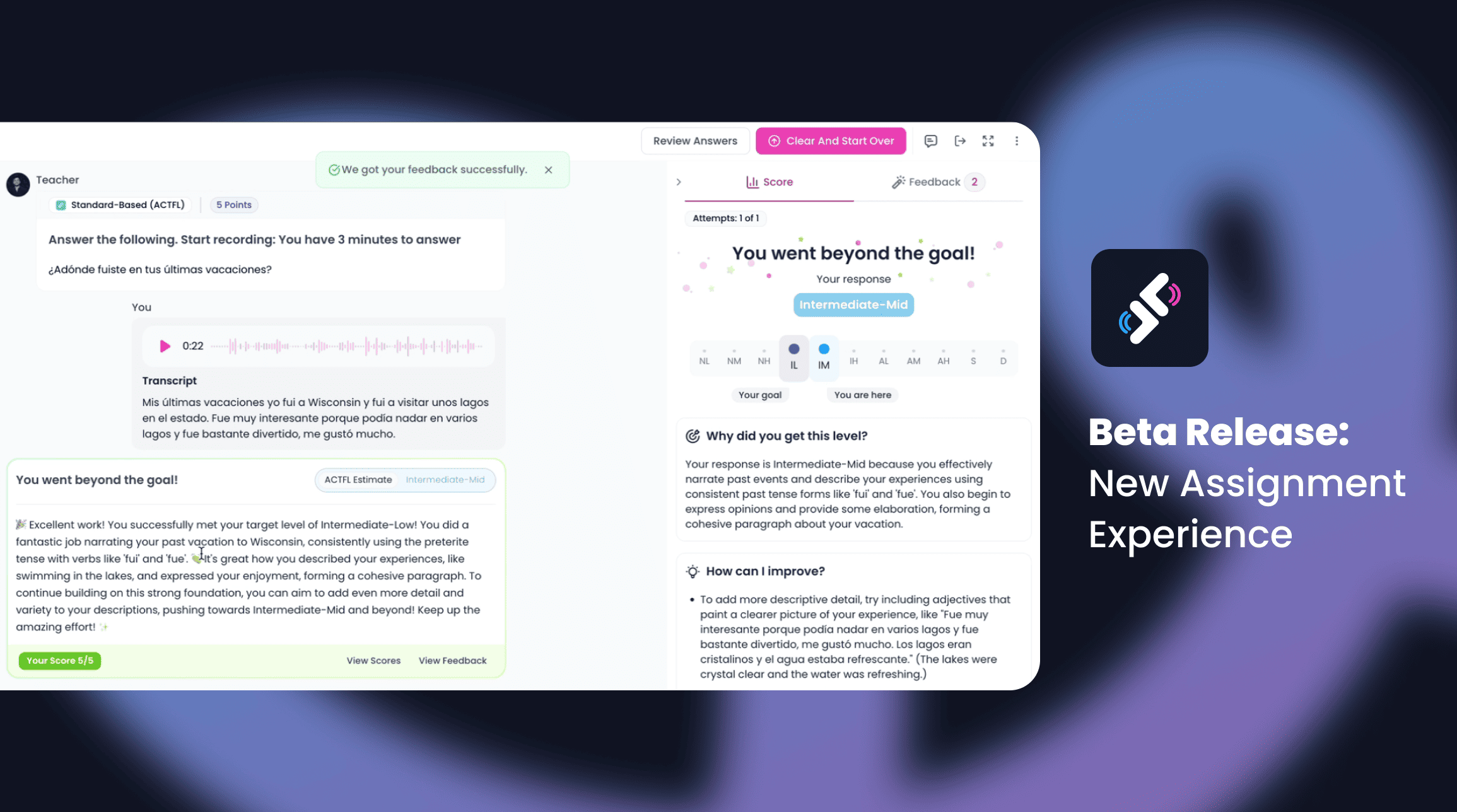
We’ve reimagined how assignments and results work in Speakable. The new beta release combines a fresh design, smarter feedback, and clearer insights for both teachers and students.
The New Assignments & Results Experience in Speakable (Beta)
We’ve reimagined how assignments and results work in Speakable. The new beta release combines a fresh design, smarter feedback, and clearer insights for both teachers and students.
✨ What’s New
Cleaner layout for students: distraction-free, full-screen view with dedicated media area and improved feedback panel.
Smarter practice: rebuilt repeat function and improved pronunciation analysis with specific, actionable feedback.
New Results Panel for teachers; clearer insights at a glance, including:
Completion rates and average scores
Board View to track assignments visually
Matrix View for a full student × question snapshot
AI-powered summaries and overviews
Built-in commenting and chat history
👩🏫 Who It’s For
This beta is for teachers who want faster grading, clearer data, and more time to focus on teaching. Students benefit from a more engaging assignment flow and immediate, targeted feedback.
🔧 How to Turn It On
Go to Settings (top-right, click your profile picture).
Scroll down to Beta Features.
Toggle on “New Assignment and Results Experience”.
Click Save.
When creating an assignment, check the banner “Try our new assignment experience.”
✅ That’s it! Your assignments will now run on the new beta experience.
📹 See It in Action
Watch this short walkthrough videos to explore the new Assignments and Results features in Speakable.
Exciting Updates on Assignment Results and Features:
Introducing the New Results Panel: Enhancements for Efficient Assignment Management
🚀 Try It Today
Log in to Speakable, enable the beta in your settings, and start exploring the new Assignments and Results experience with your students.
Our blog
Latest blog posts
Tool and strategies modern teams need to help their companies grow.
.svg)