How do I start creating an activity?
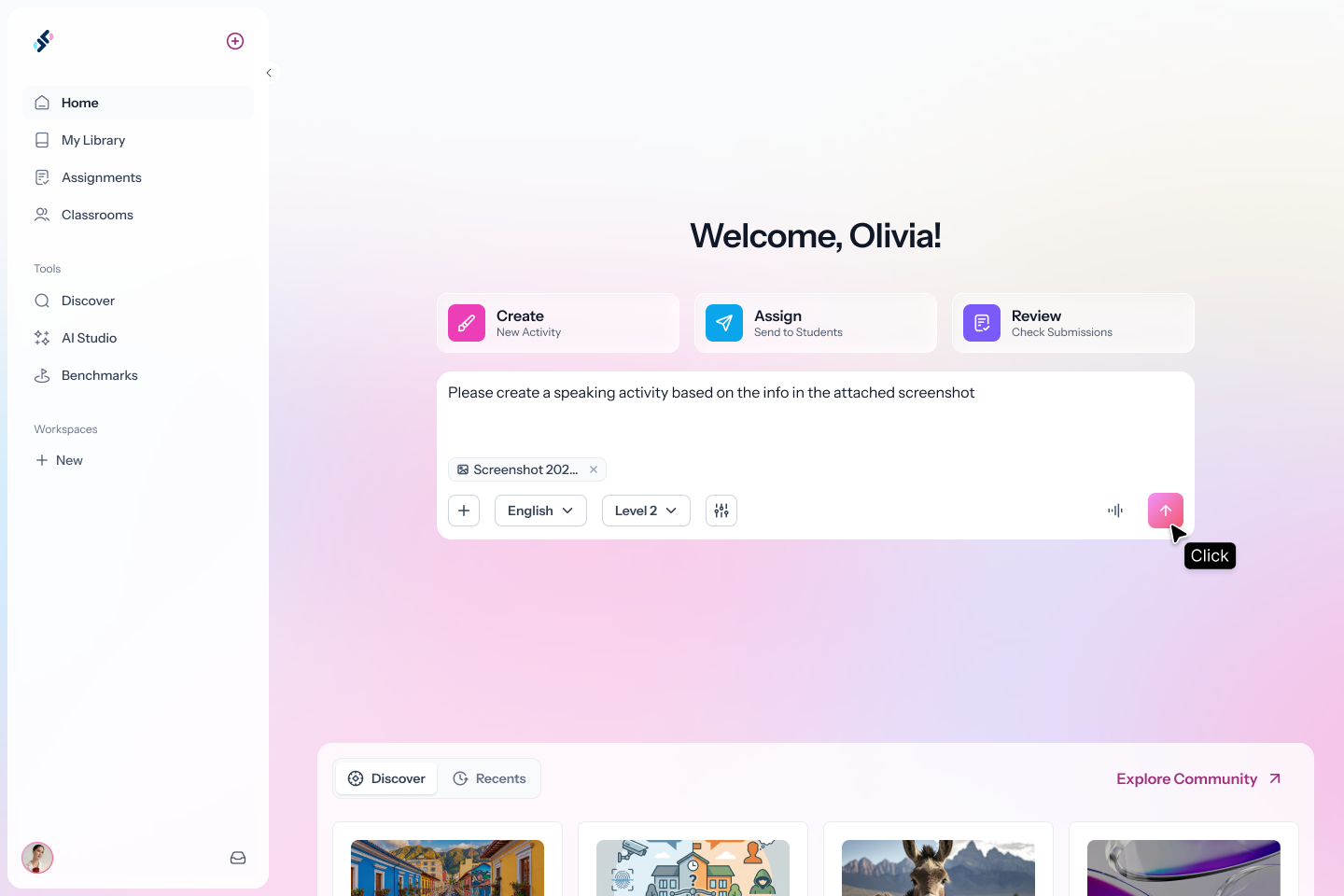
From your home screen. Type a description or drop a file, select your language and proficiency level, and Speakable generates an activity.
Can I control what types of pages the activity includes?
Yes. Advanced Settings let you prioritize page types: Listen and Repeat, Spoken Open Response, Written Open Response, Conversation, Multiple Choice, or Short Answer. Or leave it unchecked and let AI choose the best mix.
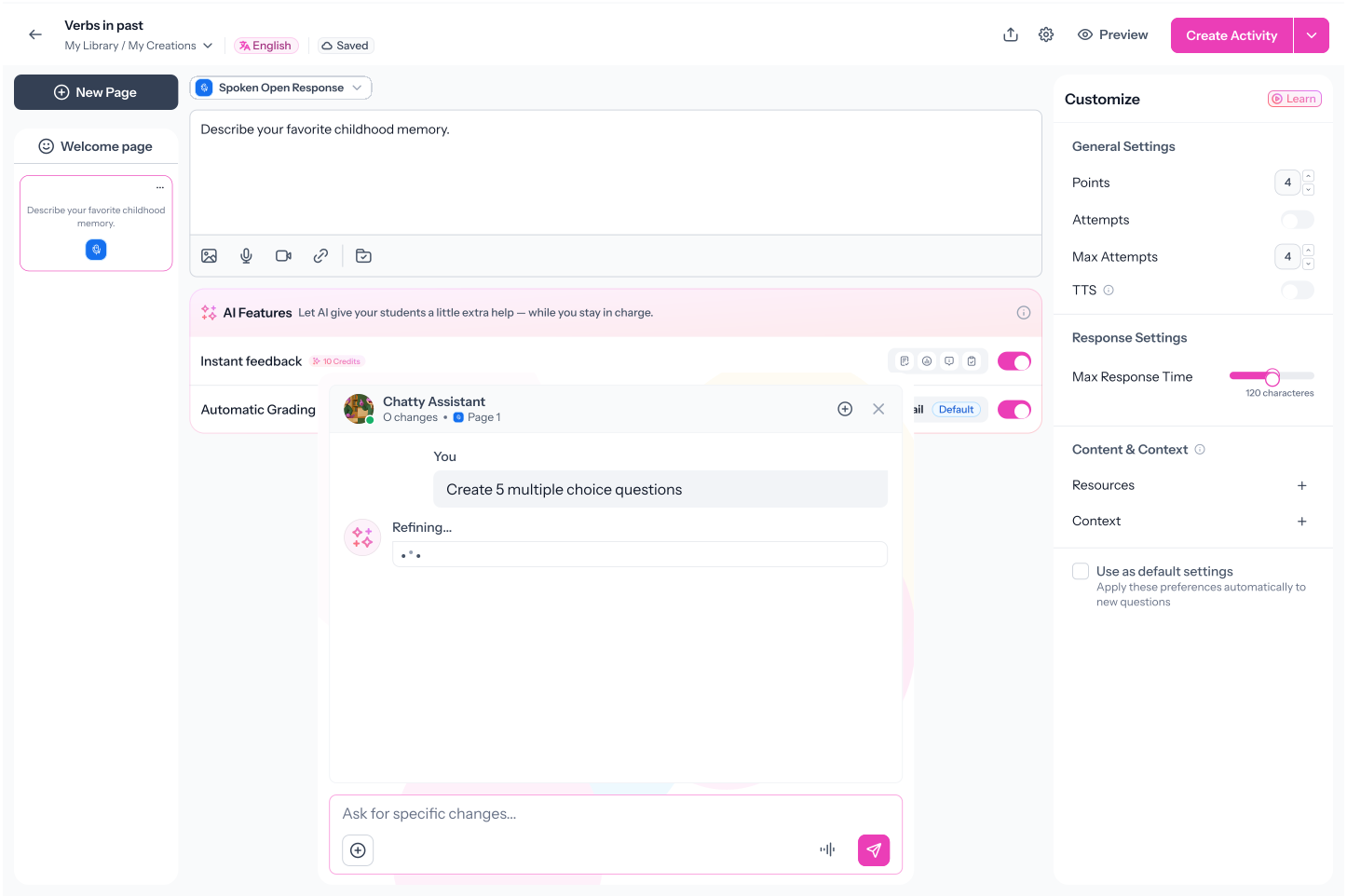
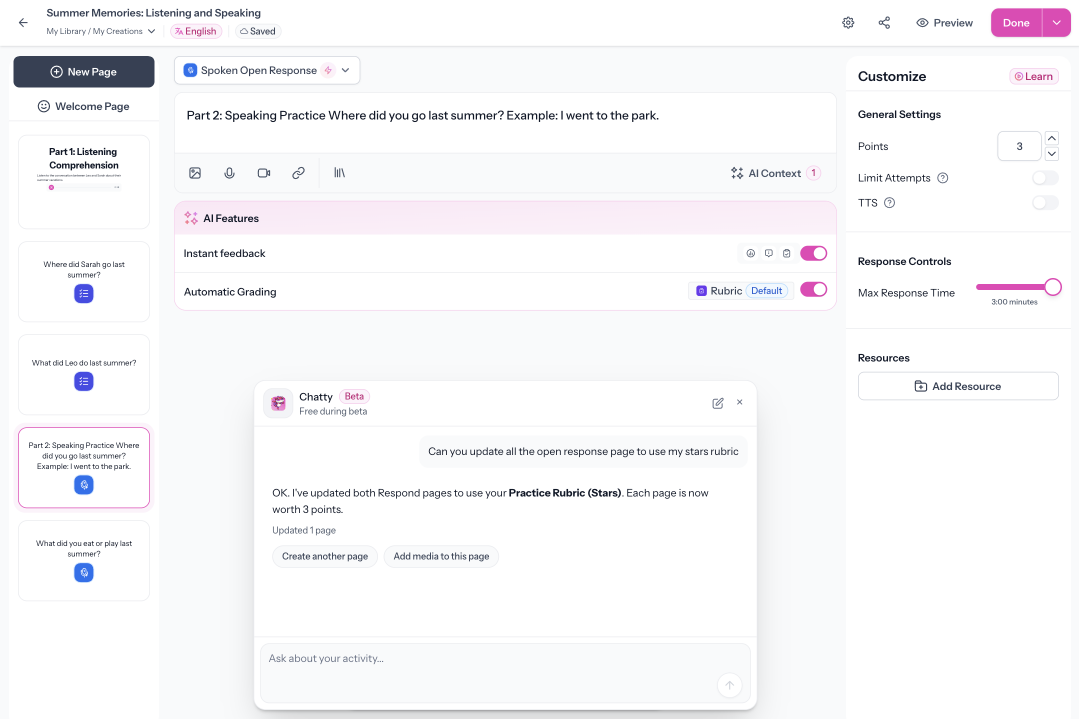
Chatty is the AI assistant inside Speakable's activity builder. It can create new pages, set up AI conversation roleplays, generate images and audio (including two-person dialogues), apply rubrics, reorder pages, and bulk-update settings across the entire activity.
Can I upload a document and turn it into an activity?
Yes. Upload a document and Speakable turns it into an interactive activity. You can also drop files into the home screen prompt.
What auto-grading options are available?
For supported response pages, you can choose from three auto-grading options: Pass-Fail, Rubric Auto-Grading, or Standards-Based Grading. You can also turn auto-grading off and use Feedback Only mode. In Feedback Only mode, students receive instant feedback, but no score is assigned.
Is this different from using ChatGPT to plan a lesson?
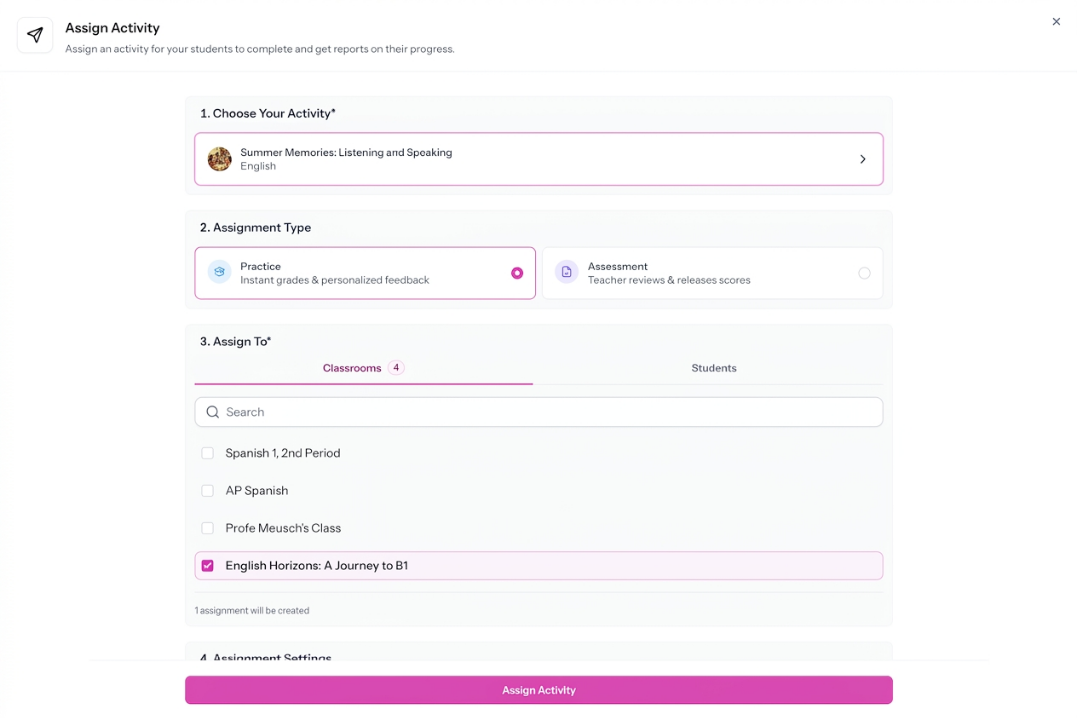
Yes. What Speakable generates is immediately assignable. A ChatGPT lesson plan still needs to be reformatted, configured, and uploaded. A Speakable activity is ready to assign.
.svg)